
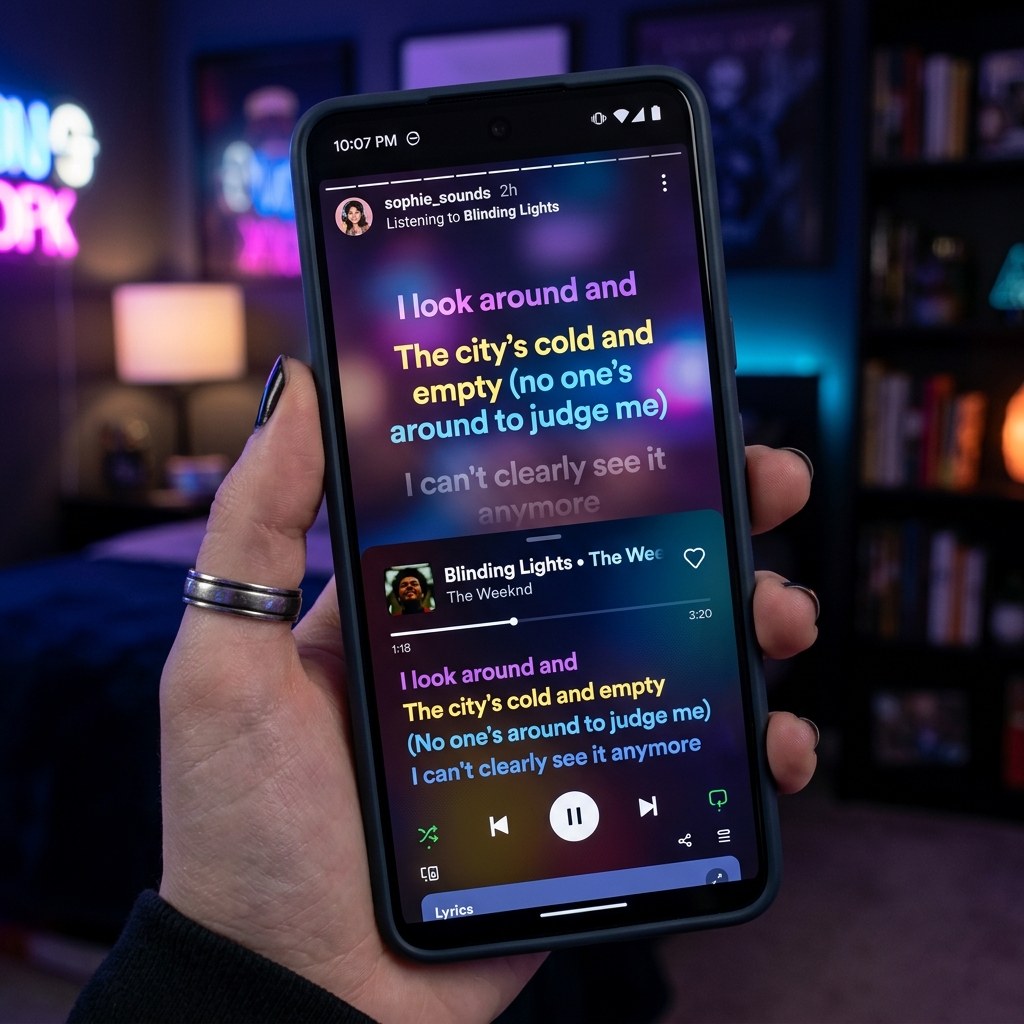
Having the lyrics of your song available on Spotify, Instagram, Apple Music and on Google search can be done by signing up to Musixmatch
Setting Up Your Musixmatch Account
Before your lyrics can appear across screens, you must first join the Musixmatch. As an artist, you can apply to verify your artist profile with ease. Begin by visiting the Musixmatch for Artists page, where you’ll choose between roles like “Music Creator” or “Music Representative.” The process is straightforward and free, designed to be completed in just a few minutes.
Remember to use the email address associated with your artistic identity; this simple step can speed up the verification process and ensure that your contributions are attributed correctly. Once your request is submitted, the team processes your account within a few days, setting the stage for the creative journey ahead.
Upload Your Lyrics with Musixmatch
Once verified and your track is live, log in to your Musixmatch account and navigate to your release. With a single click, open the page where an empty text box under the “lyrics” tab eagerly awaits your song’s words.
Now, pour your heart into the transcription:
- Listen Actively: Play your song from start to finish, ensuring every nuance is captured.
- Detail Every Repetition: Don’t shortcut repeated sections with multipliers like “x2.” Instead, type them out in full.
- Focus on the Vocal Track: Transcribe only the lyrical content as heard, keeping instrumental interludes aside.
Once your lyrics are neatly entered, review any format suggestions from Musixmatch and make the necessary adjustments. This extra attention to detail not only polishes your work but also ensures consistency across streaming platforms.
Sync your lyrics
With your lyrics in place, it’s time to synchronize them with your track—a process that transforms written words into a real-time companion as your song plays, which makes it easier for fans to sing along. Switching to the “Sync” tab, you’ll find that the process is both meticulous and gratifying.
A few key points to note:
- Spotify Premium Requirement: Syncing your lyrics requires a Spotify Premium account. Additionally, using Chrome as your browser helps maintain compatibility and performance.
- Precision Timing: Adjust the timing using the plus or minus signs if needed, and verify accuracy by playing each line. With a few clicks, your lyrics are synced and ready to be sent out to partner stores.