
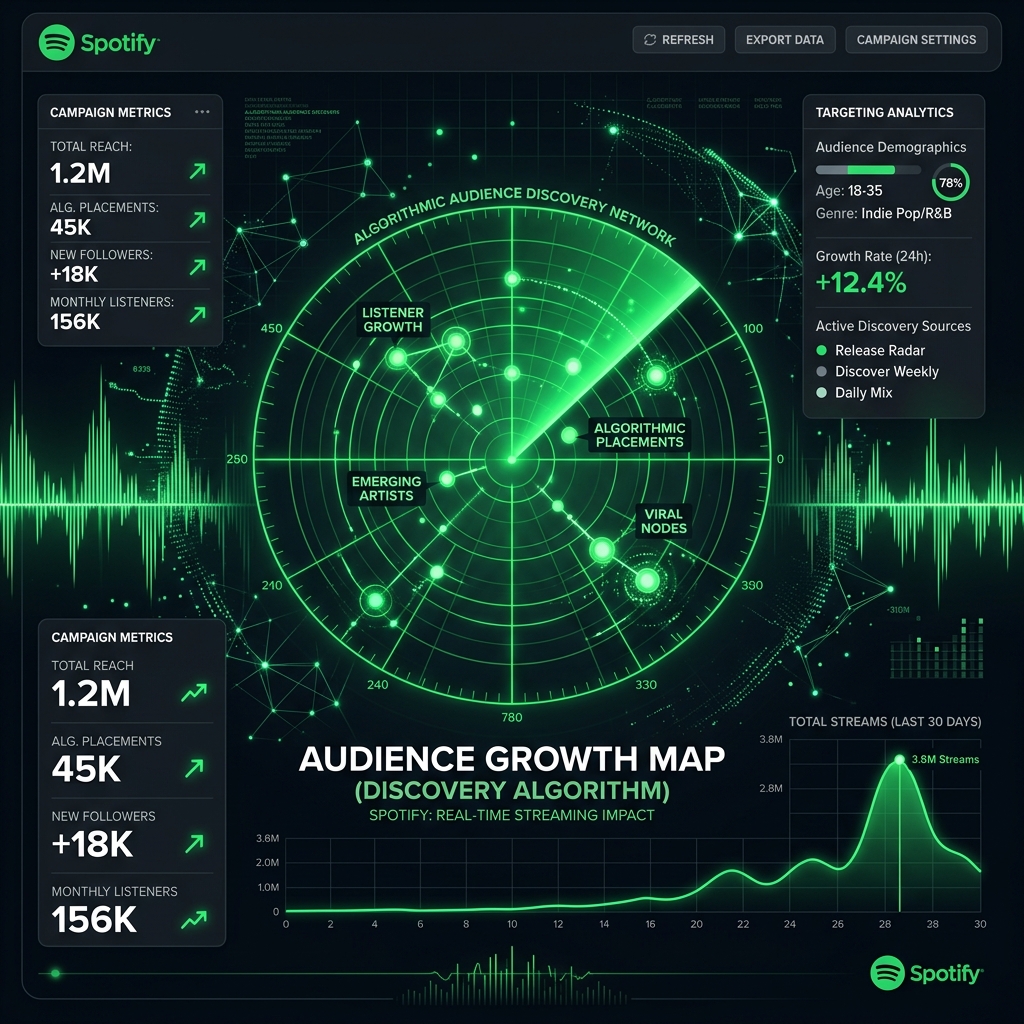
With 1M Music, you can access Spotify Discovery Mode, a powerful tool that allows you to promote your releases algorithmically directly on the platform, maximizing your reach and connecting you with new listeners.
🚀 What is Spotify Discovery Mode?
Discovery Mode is a marketing tool that allows artists and labels to prioritize selected songs within Spotify's algorithmic recommendations, exposing them to users with similar listening habits.
How does the commission work and why is it beneficial?
Unlike traditional advertising campaigns that require upfront cash investments, Spotify Discovery Mode requires no upfront cost. Instead, Spotify charges a 30% commission on royalties generated by plays obtained within Discovery Mode contexts.
This represents a major benefit for independent artists: you only pay for the new streams generated by this algorithmic tool, while your organic streams or regular editorial playlist plays continue to earn 100% of their royalties.
Requirements to Enable Discovery Mode for a Track:
- 📅 Minimum release time: The song must have been live on Spotify for at least 30 days.
- 📈 Algorithmic baseline: The track must have been played at least 20 times in Discovery Mode contexts within the last 28 days.
- ✅ Monetization status: Must meet Spotify's monetization eligibility criteria for the previous month.
In Which Contexts on Spotify is Your Music Promoted?
Discovery Mode operates in personalized playlists where listeners are most open to discovering new content. You will recognize these lists by the "Made for [Username]" label in the Spotify app or web player.
Active contexts currently include:
- 📻 Spotify Radio: Automatic stations generated from songs or artists.
- 🔄 Autoplay: The continuous music that plays automatically when your active playlist or album ends.
- 🎨 Spotify Mixes: Personalized daily mixes (by artist, decade, genre, or mood).