
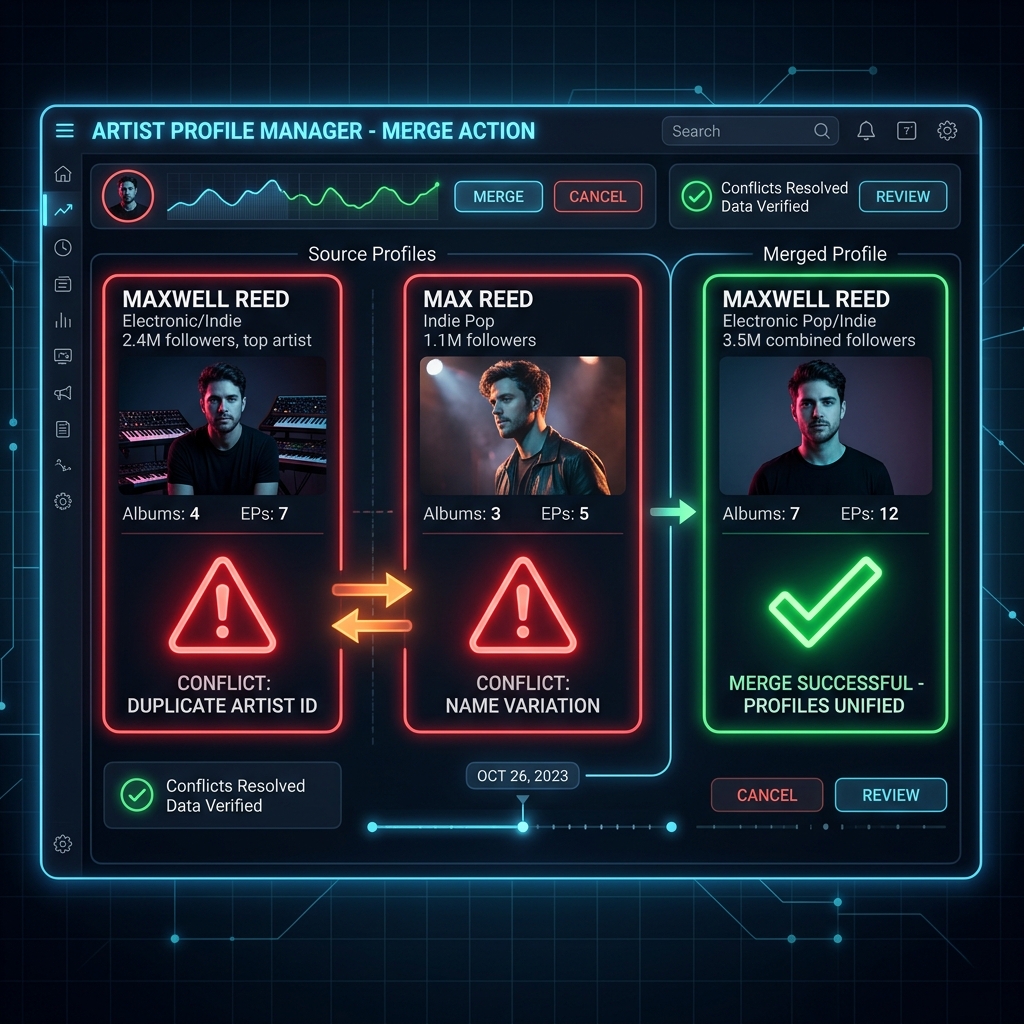
It is very common in the digital era for two or more artists to share the exact same name. When this happens, digital music stores (DSPs) can confuse profiles, leading to two common indexing errors:
⚠️ Common Profile Mismatch Issues:
- Your music is uploaded to the wrong artist's profile: Your releases appear mixed in the page of another creator who shares your artistic name.
- Someone else's music appears on your profile: You detect singles, EPs, or albums that do not belong to you displayed on your own artist page.
If you are about to distribute your first release, we strongly recommend that you search the digital stores before submitting your music to check if another artist already uses your name. If so, store algorithms might not recognize that you are a different artist, placing your music on the pre-existing profile. Please note that this assignment is done directly by the stores and their delivery algorithms, not by 1M Music.
Can this be fixed?
Yes, it is entirely fixable. However, keep in mind that:
- Not all stores allow manual or immediate modifications.
- The update is not instantaneous; it can take anywhere from a few days to several weeks to reflect across all platforms.
🎧 How to resolve profile mismatches on Spotify?
Spotify provides a dedicated tool to quickly report content crossovers:
- If you have access to Spotify for Artists, log in and complete this content mismatch reporting form. If you do not have access yet, the link will guide you to sign up and claim your profile.
- If the issue is not resolved after submitting the form, you can contact Spotify for Artists support directly at [email protected], clearly describing the issue.
Information needed to request a correction
To avoid confusion and speed up support requests with the stores, it is essential to prepare a clear list of the following Spotify links:
- Links to all albums and releases that belong to you.
- Links to the singles or EPs that do not belong to you (but are on your profile).
- Any links to incorrect releases displayed in the "Appears on" section of your profile.
Need extra help or corrections in other stores?
If you cannot resolve the issue by following the steps above, or if you need assistance correcting your profile on Apple Music, Deezer, Amazon Music, or other DSPs, write to us at [email protected].
Please include all the links listed above in your email so we can process your request as quickly as possible.