
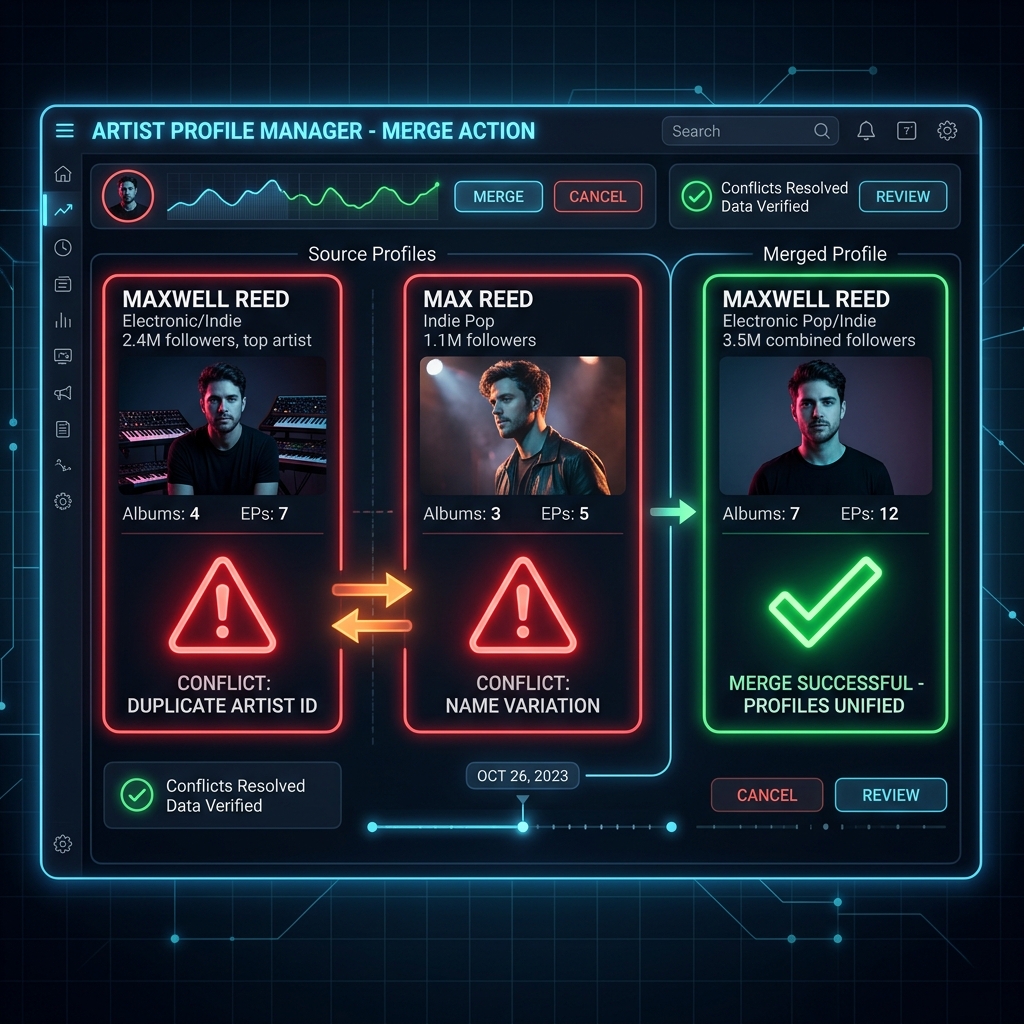
It very often happens that there are two or more artists with the same name and one of these two errors may occur:
1) That your music is uploaded to the wrong profile.
2) That in your profile you detect music that does not belong to you.
If you are going to distribute your first release, we suggest that you check in stores before distributing that there is no artist with the same name. If you distribute your music and there is already an artist with that name, stores may not recognize that you are not that artist and host your music on the wrong, pre-existing profile. This depends on the stores, not 1M Music.
Can it be corrected?
Yes, but:
The modification is not immediate. It may take time, a few hours, maybe a few days.
How to resolve incorrect indexing on Spotify?
If you have access to Spotify for Artists, log in and complete this form https://artists.spotify.com/c/content-mismatch
If you don't have Spotify for Artists, the link will take you to sign up.
If you don't have Spotify for Artists, the link will take you to sign up.
If this didn't resolve the issue, write to Spotify for Artists support at [email protected] clearly indicating the problem.
To avoid confusion, it is important that you include a list of links of all the releases that belong to you and those that do not belong to you:
All your albums on Spotify.
All your singles and EPs on Spotify.
Any release from the "Appears in" section.
If you cannot solve the problem by following these steps or you need advice to correct the erroneous indexing in the other stores, write to us at [email protected] and we will help you. The email includes all the links mentioned above so that we understand the problem well.